FunCraft Photo Editor12.0
Publisher Description

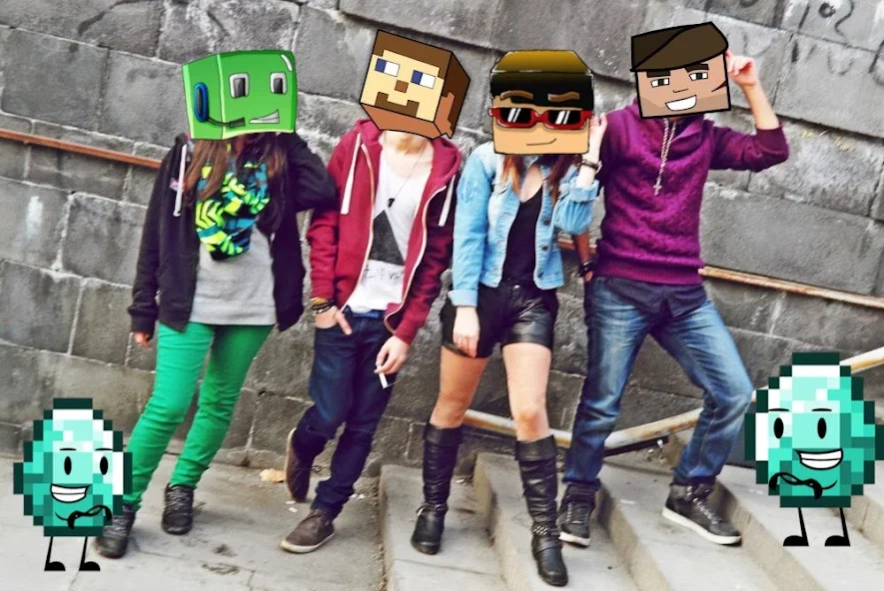

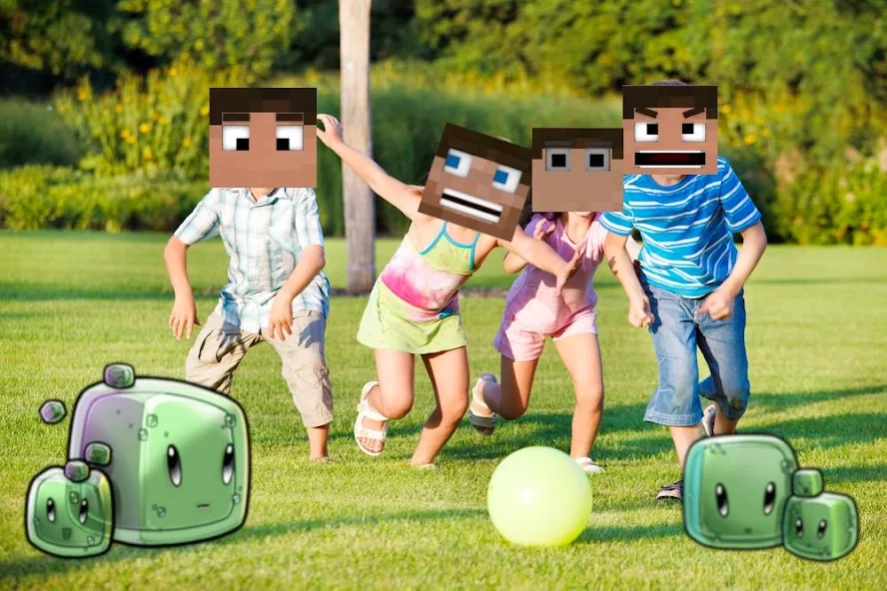
The FunCraft is the best photo editor Photo Editor for Minecraft fans!
FunCraft Photo Editor allows you to take ordinary photos or selfies and add awesome Minecraft effects to them.
-Choose from our selection of themed photo stickers.
-Actively build your landscape in real-time within your photos!
-Re-size and merge images instantly
-Share with friends
Craft your world!
Features:
->Take ordinary photos or selfies and add awesome Minecraft effects with props
->Fight your enemies in your photos, craft your armory and share your epic moments with friends.
->App enables you to edit your pictures with cool Minecraft PE pixelated items and weapons to customize your photos as you ever want.
->Add mine pixelated items,Pixel Gun, MCPE weapons , Minecraft stickers and more to your photo.
-> Easy to face painting, move, zoom,crop,rotate with one touch finger
->Drag to the right position or resize it using multitouch.
->Save and share with your friends via social apps.
->Craft your world with Awesome Photo edition tool for minecraft pe (Pocket edition) (MCPE)!
*All images and collateral were fan made and not affiliated with Mojang or Microsoft.
About FunCraft Photo Editor
The company that develops FunCraft Photo Editor is Klimov Inc.. The latest version released by its developer is 12.0.
To install FunCraft Photo Editor on your Android device, just click the green Continue To App button above to start the installation process. The app is listed on our website since 2018-11-24 and was downloaded 5 times. We have already checked if the download link is safe, however for your own protection we recommend that you scan the downloaded app with your antivirus. Your antivirus may detect the FunCraft Photo Editor as malware as malware if the download link to com.klimovinc.funcraft is broken.
How to install FunCraft Photo Editor on your Android device:
- Click on the Continue To App button on our website. This will redirect you to Google Play.
- Once the FunCraft Photo Editor is shown in the Google Play listing of your Android device, you can start its download and installation. Tap on the Install button located below the search bar and to the right of the app icon.
- A pop-up window with the permissions required by FunCraft Photo Editor will be shown. Click on Accept to continue the process.
- FunCraft Photo Editor will be downloaded onto your device, displaying a progress. Once the download completes, the installation will start and you'll get a notification after the installation is finished.
Program Details
System requirements
Download information
Pricing
Version History
version 12.0
posted on 2018-11-24
Fixed a problem with the hang of the application when displaying stickers on some devices.
The bug of the "Share" button has been fixed.
